Powered by Google Translate backend engine • Switch anytime between English, Urdu & Roman Urdu.
Building Responsive Websites with AI: Prompt-to-Site in 15 Minutes
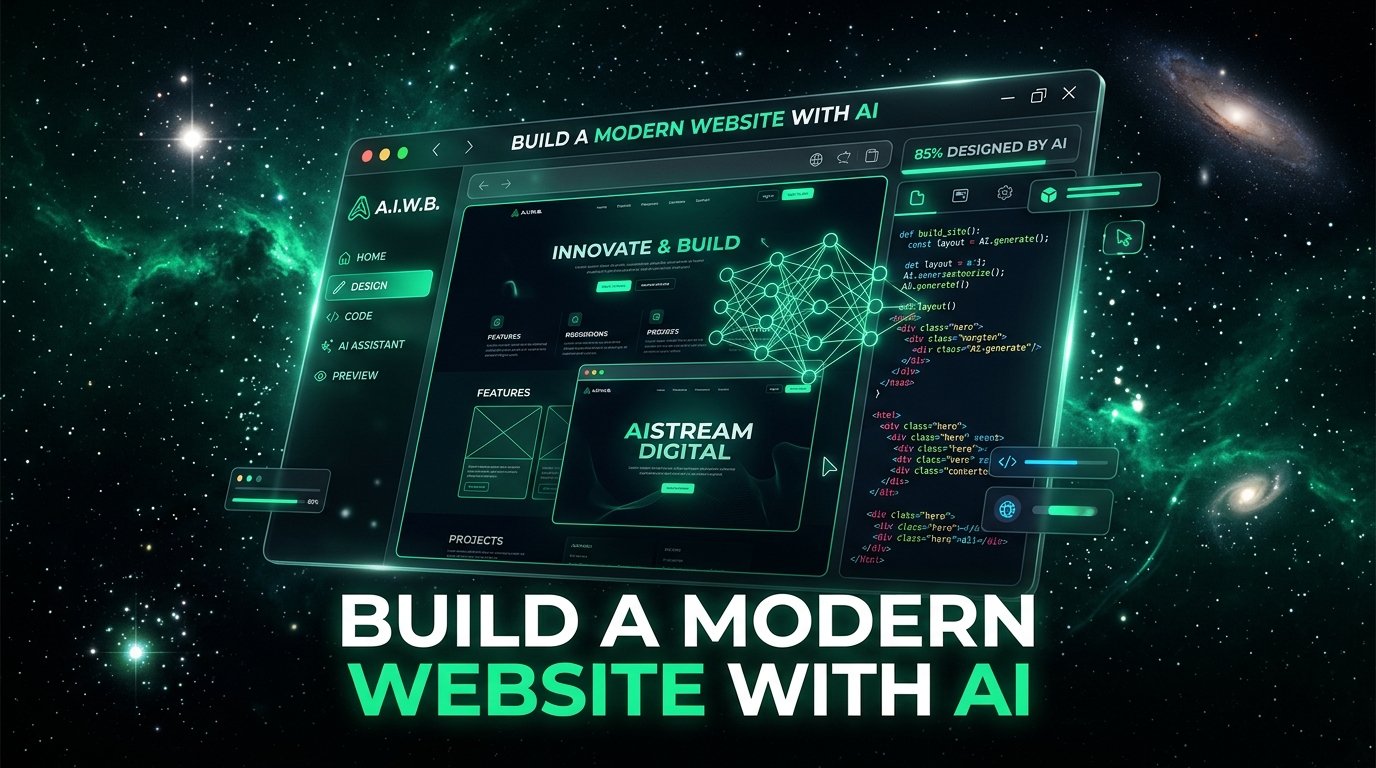
Learn how to build and deploy high-converting landing pages and websites using Google AI Studio and Claude without writing manual code.
Building Websites with AI: Prompt-to-Site
You do not need to memorize HTML5 tags or code manually from scratch. With modern AI tools like Google AI Studio and Claude, you act as the architect and creative director.
The 4-Step Prompt-to-Site Pipeline
Clean Semantic HTML5 Page Structure
Clean Semantic HTML5 Page Structure
Edit this code to see instant live preview in your browser.
Expected Output: Accessible, semantic HTML5 template with header, nav, main, and article.
Key Takeaways
- Semantic elements (<main>, <header>, <article>, <aside>, <section>) convey meaning to search engines and screen readers.
- Forms require explicit <label> associations for mobile accessibility and autofill.
- Avoid 'Div Soup' (nesting 20 generic <div> tags where semantic tags belong).
- Always declare <meta name='viewport' content='width=device-width, initial-scale=1.0'> for responsive layouts.
Common Pitfalls to Avoid
- Using <div> tags for clickable buttons instead of accessible <button> elements.
- Omitting alt attributes on images, destroying SEO and accessibility.
- Missing <form> wrappers around input fields, breaking enter-key submission.
Frequently Asked Questions
Why does semantic HTML matter if the page looks the same?
Because Google search algorithms, screen readers, and web scrapers read HTML structure, not visual pixels. Semantic markup is essential for high SEO ranking.
Was this tutorial helpful?
Your feedback helps us continuously improve our AI engineering curricula.